ESOTERIC MEDIA WORKSTATION
The ESOTERIC MEDIA WORKSTATION is an experimental glitch art generator, multimedia compressor, steganography toolkit, video editor/animator, and much more. There are six main tools in the EMW, and one extremely unique palette analyzer:
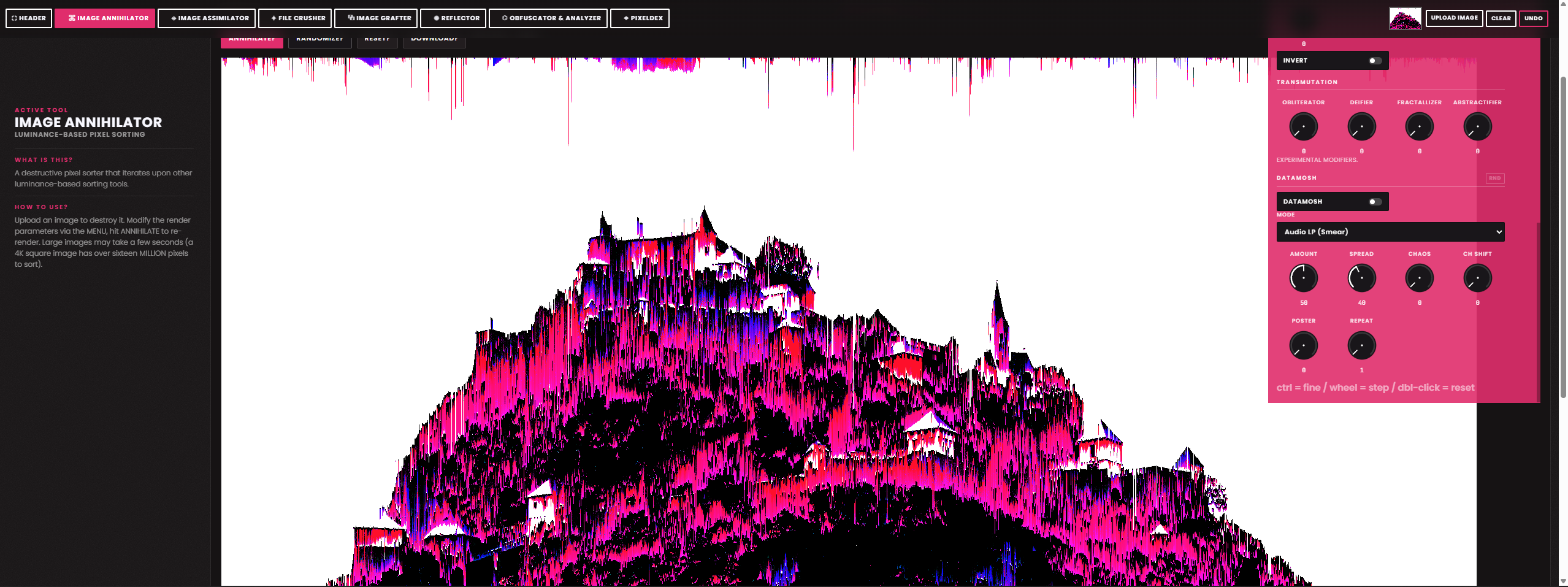
- IMAGE ANNIHILATOR: A luminance based pixel sorting tool with plenty of options and optional randomization. Now with new routes for additional obliteration; convert your images into audio data, then run it through over half a dozen effects/filters/compression algorithms, before converting it back into an image. Comes with a preset bank of 26 presets and ability to save states as custom presets which save to a browser cookie.
- IMAGE ASSIMILATOR: A quick-and-dirty image blending tool, meant to be used in combination with multiple outputs from the other tools. Add custom overlay masks or use preset pattern maps, overlay in specific shapes, experiment to get some very unique results.
- FILE CRUSHER: An image, gif, and audio compressor, custom palette matcher/extractor/organizer, and ditherer/pixelator/noise machine/quantizer with optional randomization. You can even export and import palettes of your own, which it saves via a browser cookie. Includes over 100 of my favorite palettes from Lospec. For gif animations, an optional ANNIHILATE button runs each frame through the annihilator using a randomized weight, encoding it back into a unique gif with extrmely fluid pixelsort dynamics. Try it out!
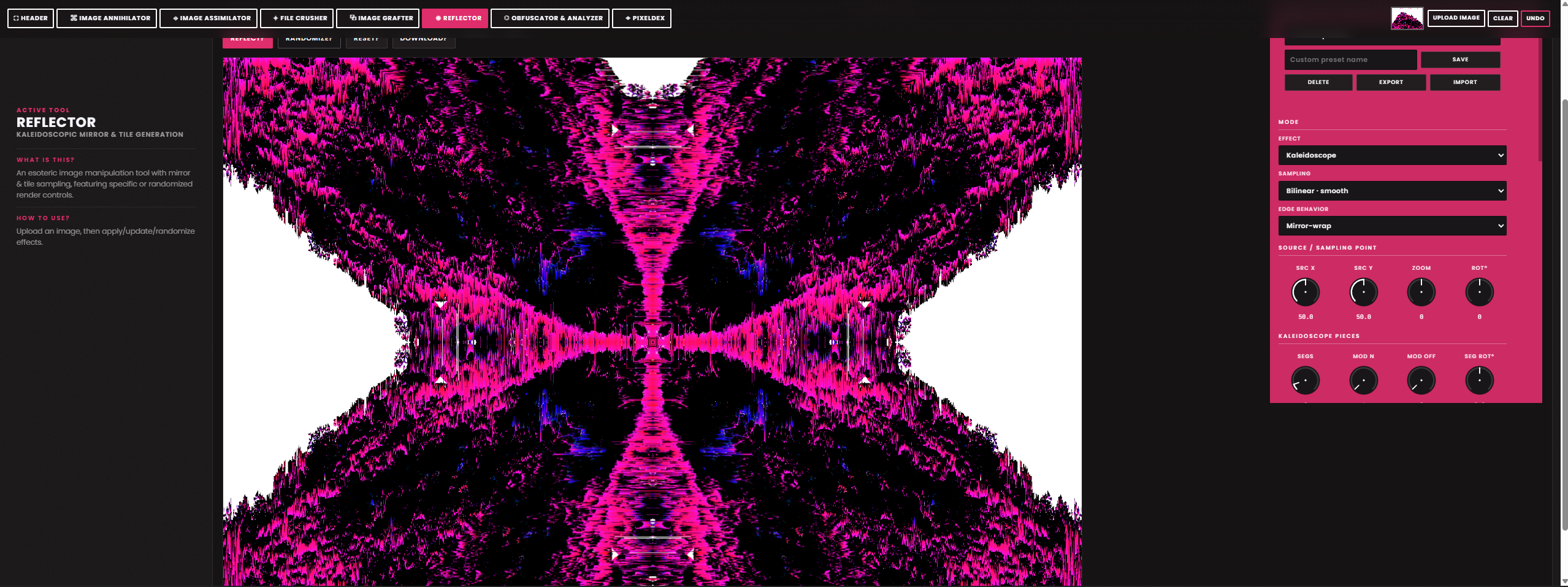
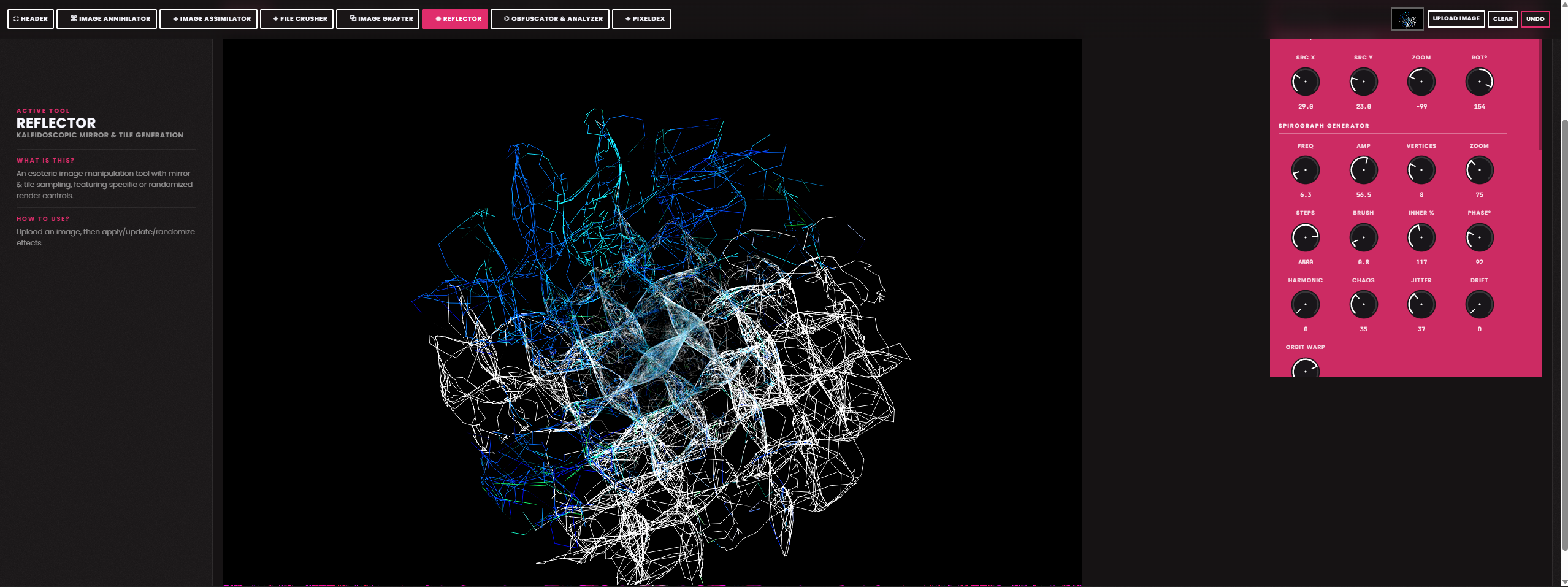
- REFLECTOR: A kaleidoscopic tile/mirror/liquid reflection tool, and recursive spirograph toy with a ton of customization and optional randomization as well. Comes with a preset bank of 28 presets and ability to save states as custom presets which save to a browser cookie.
- IMAGE GRAFTER: An image-to-animation stitching tool. Exports to gif, mpeg, webm, apng, and can optionally hand-off gifs seamlessly to the FILE CRUSHER for further customization. Imports existing gifs and converts it into frames. Add captions (with built in custom fonts, or add your own, or MAKE your own), effects, audio, and basic automation; supports rudimentary key framing and can export up to 8k60fps, if that's your kind of thing, you freak.
- OBFUSCATOR & ANALYZER: A steganography and media forensics toolkit allowing for hidden information (text, audio, imagery data) to be stored within and recalled from inside another image. Additionally, images/audio can be uploaded to analyze under various conditions for evidence of manipulation as well as the presence of steganographic data. It can even be used to render audio in reverse/pitch shifted/tempo shifted states.
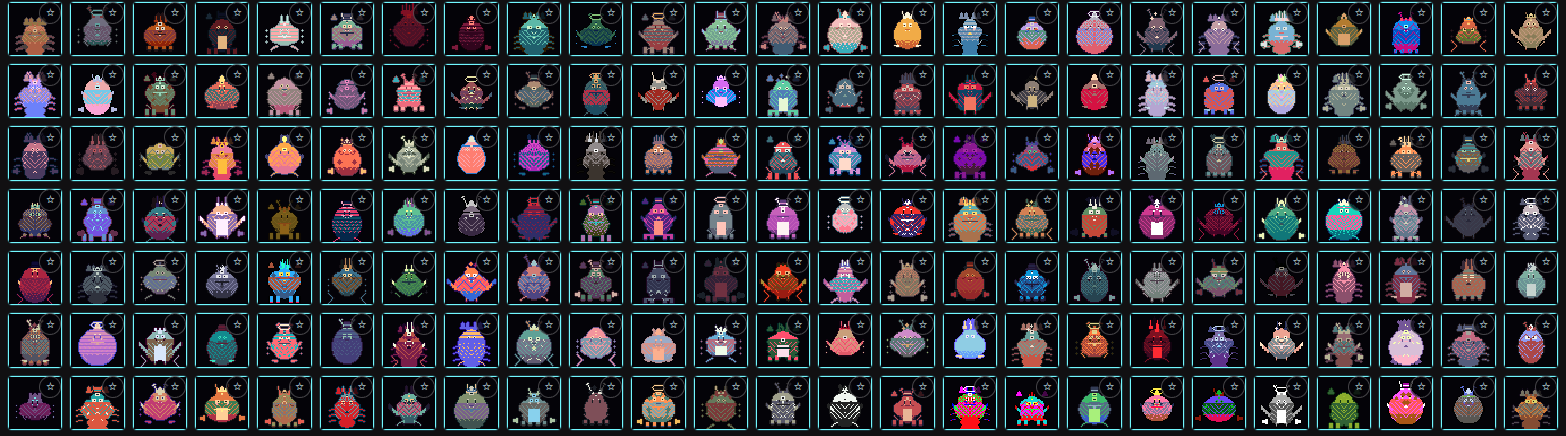
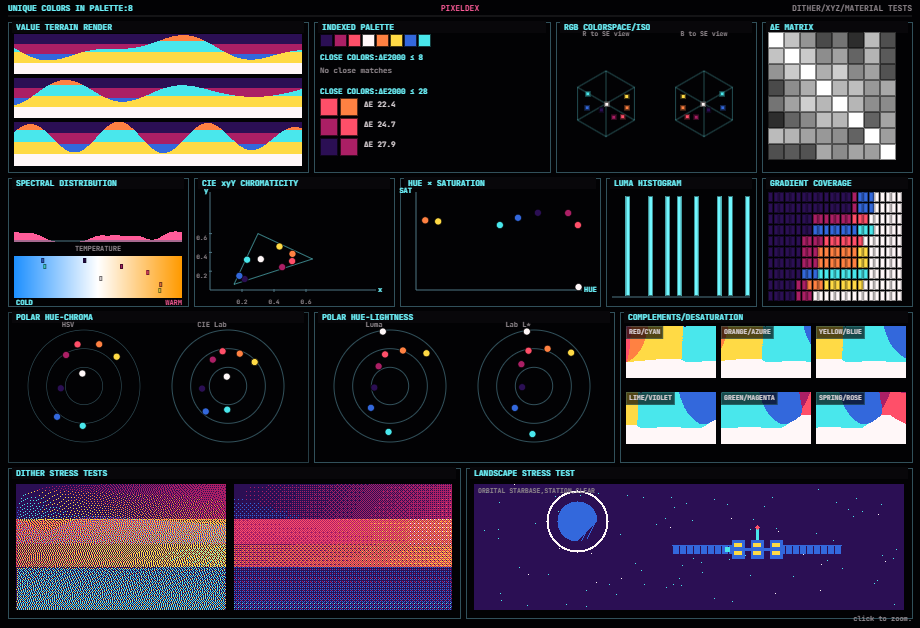
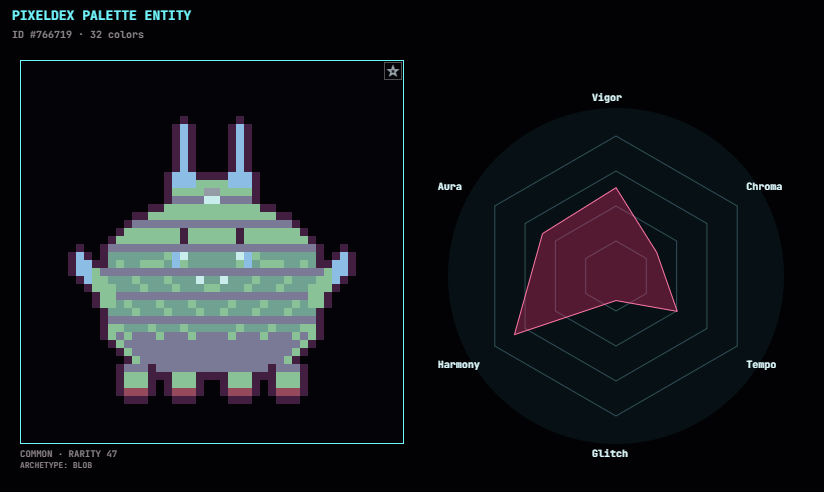
Now with a full spectrum, one-of-a-kind palette analyzer, landscape simulator, and infinite creature collector called a PIXELDEX. Collect a unique palette entity (a Pixelmon) with each palette you analyze. The size and contents of the palette analyzed dictate its unique image, roar, stats, attack patterns, rarity, and so on.
Put together five Pixelmon rosters to show off your favorites, trade and battle them with others, both locally and via online matchmaking. The more palettes you analyze, the more Pixelmon you discover. Extraordinarily rare and powerful palette entities await your cataloging!
Don't want to collect infinite collectibles? You must not have ADHD, I presume (joking but also kinda not joking). Check out the Marketplace and Gallery to share and discover images, presets, custom fonts, and palettes made by other users!
You can also use the palette tools in the pixeldex to creatue unique landscapes, as looping gifs, videos with bitcrushed ambience, isometric designs (not unlike the primordial DB's Toolbox landscaper, but with much more customization), and fantasy-style worldmaps with optional cities and other features!
Simply upload an image to get started. It will be seamlessly passed between the tools via the handler in the top right. You can also undo changes/randomizations via this panel. For audio, upload it into the specific tool when prompted.
Global Keybinds
control+shift+R - resets all browser cookies/progress/saved/imported content, then refreshes the page
control+shift+C - clears and defaults the active tool, then rechecks for updates to custom banks
number keys 1-7/numpad 1-7 switches the active tool
0 toggles the header expand/collapse button
control+shift+D defaults the parameters for the active too
control+shift+S acts as a SUPER RANDOMIZER, sending the current image to the handler, then it randomizes the tool and parameters used between the Annihilator/Assimilator/File Crusher/Reflector, a number of times equal to the Loop value (control+shift+L, see below)
control+shift+A stores or recalls the last image to/from an "archival" browser cookie. this is separate from the handler as it is not actively keeping track of the save nor effects states. It only archives when CTRL+SHIFT+A is pressed, and only recalls from the archive when CTRL+SHIFT+A is pressed
control+shift+L, followed by any number 1-9, which configures the default number of passes a tool takes when rendering a result or randomizing/routing an image to another tool for quick manipulation. This works for the Annihilator, Assimilator, Reflector and File Crusher's main render buttons, and for any button that is supposed to run passes on one of the four (e.g. Reroute? button of the Assimilator, Annihilate? button after compressing in the File Crusher, the Destroy With Audio? button in the Annihilator, and so on)
Image Grafter-specific keybinds:
F = frame select / P = playhead select / G = grab select
S = split at playhead
Delete = delete selection or range
Ctrl+A = selects everything on the timeline
Ctrl+C = copies current selected range / timeframe / frame, depending on active selection mode
Ctrl+X = cuts selection/range/frame for pasting
Ctrl+V = pastes the selected range/timeframe/frame after current playhead/frame or in place of current selection range (depending on the selection mode)
Annihilator-specific keybinds:
F = full image / B = brush / S = shape / T =text
Reflector-specific keybinds:
K = kaleidoscope / M = mirror / T = tile / L = liquid / S = spirograph
Other Tool-specific keybinds:
Shift+Up/Down = cycle tool (Pixeldex)
Shift+Left/Right = cycle presets (Annihilator, Assimilator, Reflector)
Download
Click download now to get access to the following files:
Development log
- EMW ONLINE UPDATE23 days ago
- EMW Help Guides pt. 1-3 (of 10) - Basic Operations, Image Annihilator, Image Ass...35 days ago
- Sixth and Final(ish) Tool: The IMAGE GRAFTER65 days ago
Comments
Log in with itch.io to leave a comment.
Is there any way to download this?? I have a super beefy computer but it still lags the ever living hell out of my browser, and I'd like to be able to run it offline. Otherwise GOATED program genuinely.
Your beefy computer should be fine, unless you're trying something particularly ridiculous with it. However, I did just refactor a few aspects that should improve the performance overall. You're welcome to try again now and see.
My 1080TI handles most everything I throw at it (within reason). Keep in mind that even if you did download it and run it locally, it's a browser-based app and thus the limitations of your browser will ultimately still be the limitations you encounter. What browser do you use? Your browser or its default permissions could be impacting your experience.
I currently use firefox, I will check out permissions and stuff, thank you!
Also, the main reason I'd like to run it offline is because my internet is absolute garbage and cuts out/dies very regularly. So if it dies I wouldnt be able to open it, etc.
Ah, completely understandable. Your internet woes may very well be contribuing to the diminished performance for sure. I added a duplicate of the file to the project page. Feel free to download it!
Thank you so much!!!
Okay I love this!
Thank you!! Glad you enjoyed :)